> ## Documentation Index
> Fetch the complete documentation index at: https://docs.rangesharp.com/llms.txt
> Use this file to discover all available pages before exploring further.
# Creating an Account
> Sign up for RangeSharp using email, Google, or Discord.
## Sign up for RangeSharp
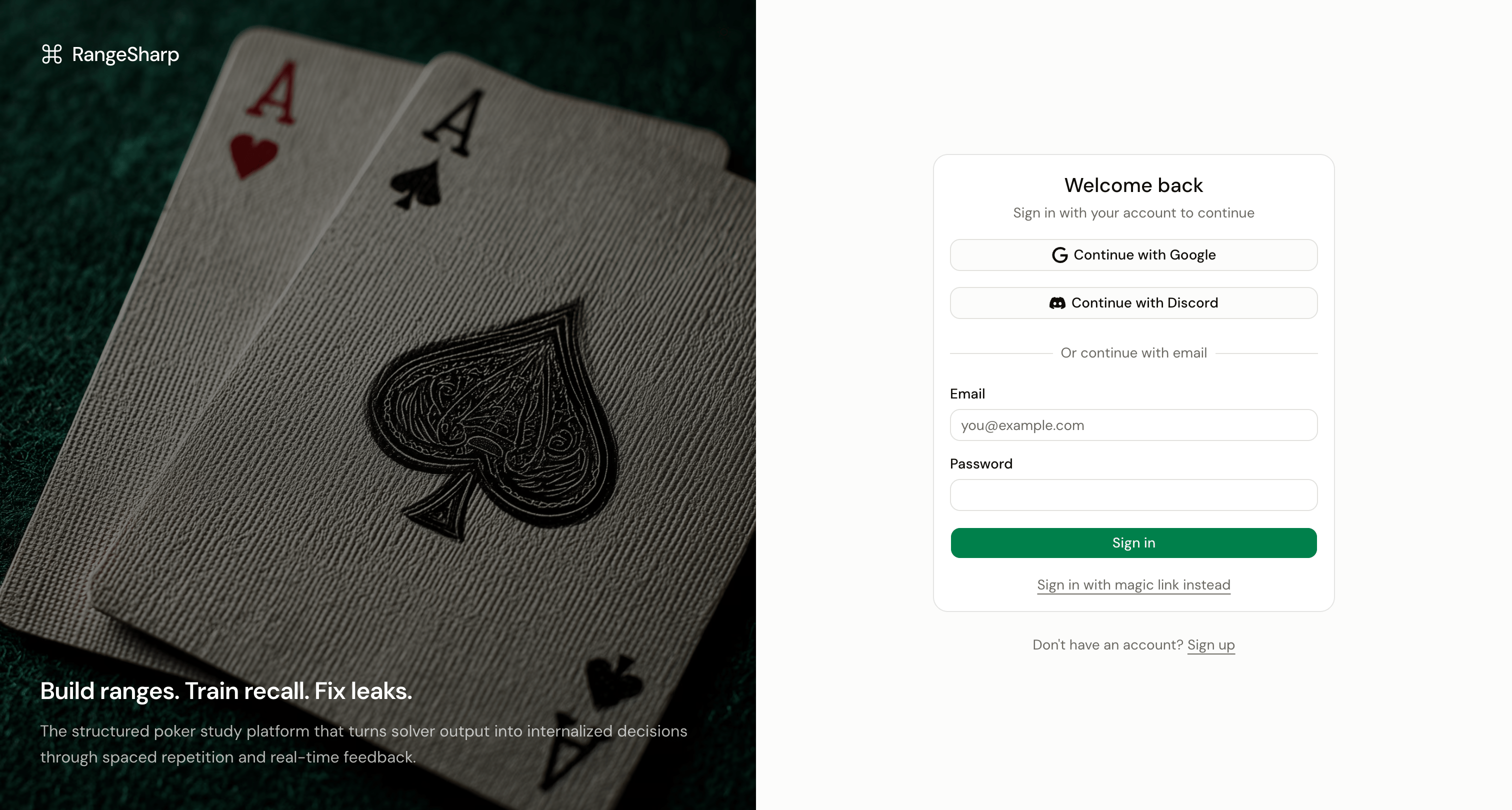 You can create a RangeSharp account using any of these methods:
* **Email and password** — The standard sign-up flow
* **Google** — One-click sign-up with your Google account
* **Discord** — Sign up with your Discord account
* **Magic link** — Receive a sign-in link via email (no password needed)
### Sign up with email
Visit [app.rangesharp.com](https://app.rangesharp.com) and click **Sign Up**.
Provide your name, email address, and a password.
Check your inbox for a verification email and click the confirmation link.
You're in. RangeSharp takes you to the Home dashboard where you can start building strategies or exploring the Library.
### Sign up with Google or Discord
On the sign-up page, click **Continue with Google** or **Continue with Discord**.
Grant RangeSharp permission to access your basic profile information.
RangeSharp creates your account automatically and takes you to the Home dashboard.
### Use a magic link
If you prefer not to set a password:
Enter your email address and click **Send Magic Link**.
Open the link in the email you receive. It signs you in immediately.
## Link multiple sign-in methods
You can connect more than one sign-in method to the same account. For example, if you signed up with email, you can also link your Google account so you can sign in either way.
Go to **Settings → Account** to manage your linked providers.
## Free plan included
Every new account starts on the **Free plan**. You can create up to 5 strategies, train up to 100 hands per day, and access simplified GTO ranges in the Library — all without entering payment information.
You don't need a credit card to get started. The Free plan gives you access to all core features so you can evaluate RangeSharp before upgrading.
See [Plans & Pricing](/billing/plans-overview) for a full comparison of what's included in each plan.
You can create a RangeSharp account using any of these methods:
* **Email and password** — The standard sign-up flow
* **Google** — One-click sign-up with your Google account
* **Discord** — Sign up with your Discord account
* **Magic link** — Receive a sign-in link via email (no password needed)
### Sign up with email
Visit [app.rangesharp.com](https://app.rangesharp.com) and click **Sign Up**.
Provide your name, email address, and a password.
Check your inbox for a verification email and click the confirmation link.
You're in. RangeSharp takes you to the Home dashboard where you can start building strategies or exploring the Library.
### Sign up with Google or Discord
On the sign-up page, click **Continue with Google** or **Continue with Discord**.
Grant RangeSharp permission to access your basic profile information.
RangeSharp creates your account automatically and takes you to the Home dashboard.
### Use a magic link
If you prefer not to set a password:
Enter your email address and click **Send Magic Link**.
Open the link in the email you receive. It signs you in immediately.
## Link multiple sign-in methods
You can connect more than one sign-in method to the same account. For example, if you signed up with email, you can also link your Google account so you can sign in either way.
Go to **Settings → Account** to manage your linked providers.
## Free plan included
Every new account starts on the **Free plan**. You can create up to 5 strategies, train up to 100 hands per day, and access simplified GTO ranges in the Library — all without entering payment information.
You don't need a credit card to get started. The Free plan gives you access to all core features so you can evaluate RangeSharp before upgrading.
See [Plans & Pricing](/billing/plans-overview) for a full comparison of what's included in each plan.