
What is the GTO Library?
The GTO Library is a collection of pre-built range strategies from professional solver sources. Instead of building every range from scratch or importing solver files yourself, you can browse the Library and add ready-made strategies to your account with one click.Accessing the Library
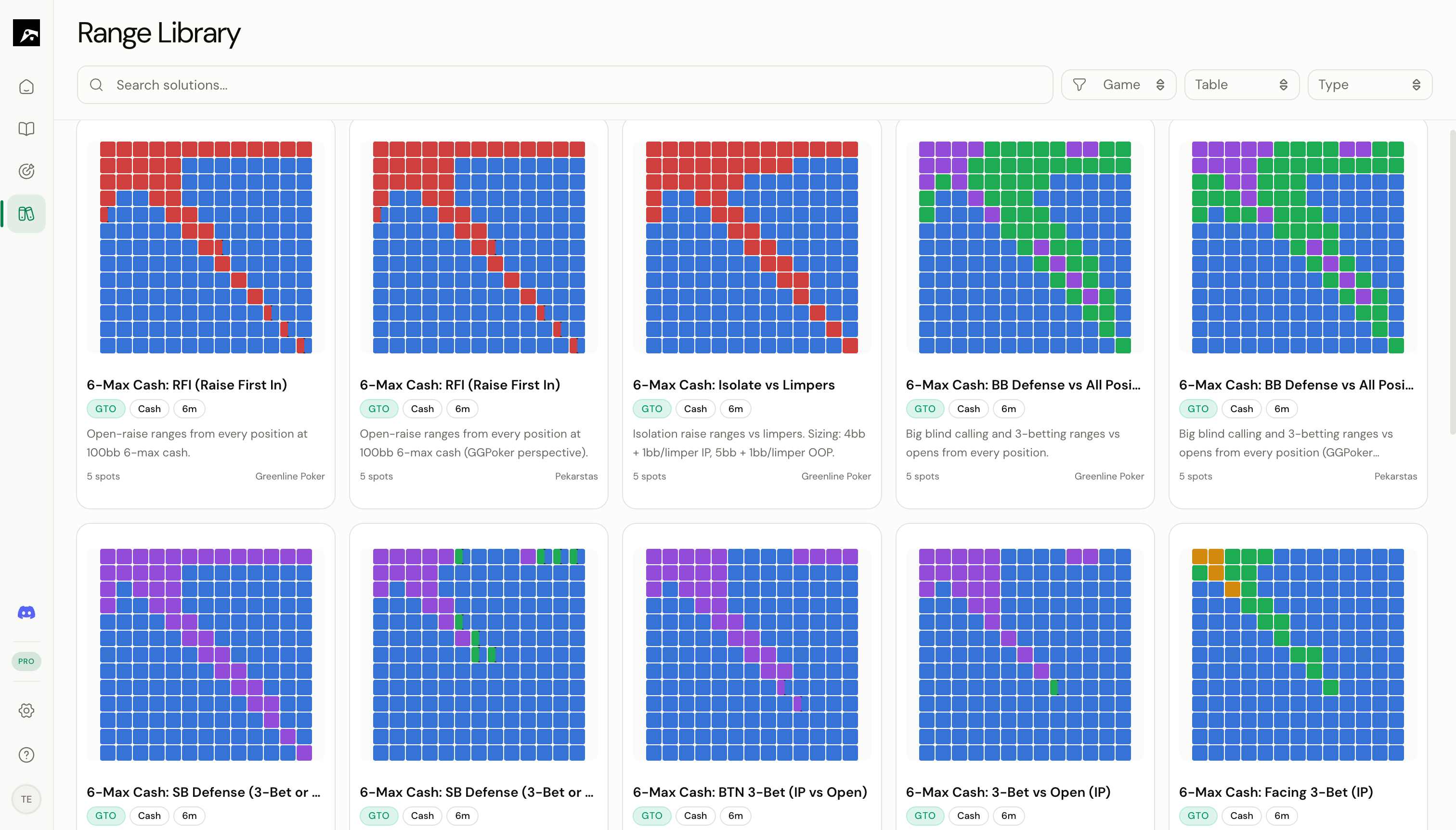
What’s in the Library?
The Library contains three types of solutions:Browsing strategies
Each strategy in the Library is displayed as a card showing:- Strategy name
- Game format (Cash, MTT, Spin & Go)
- Table size
- Source (solver or author)
- Mini grid thumbnails showing sample ranges
- All spots included in the strategy
- A preview of the range grid for each spot
- Description and source information
Virtual scrolling
The Library can contain hundreds of strategies. RangeSharp uses virtual scrolling to load them efficiently — you can scroll through the entire collection without performance issues.Next steps
Filter and search
Narrow down the Library to find exactly what you need.
Add to your strategies
Copy a Library strategy to your account.