
Viewing your study plans
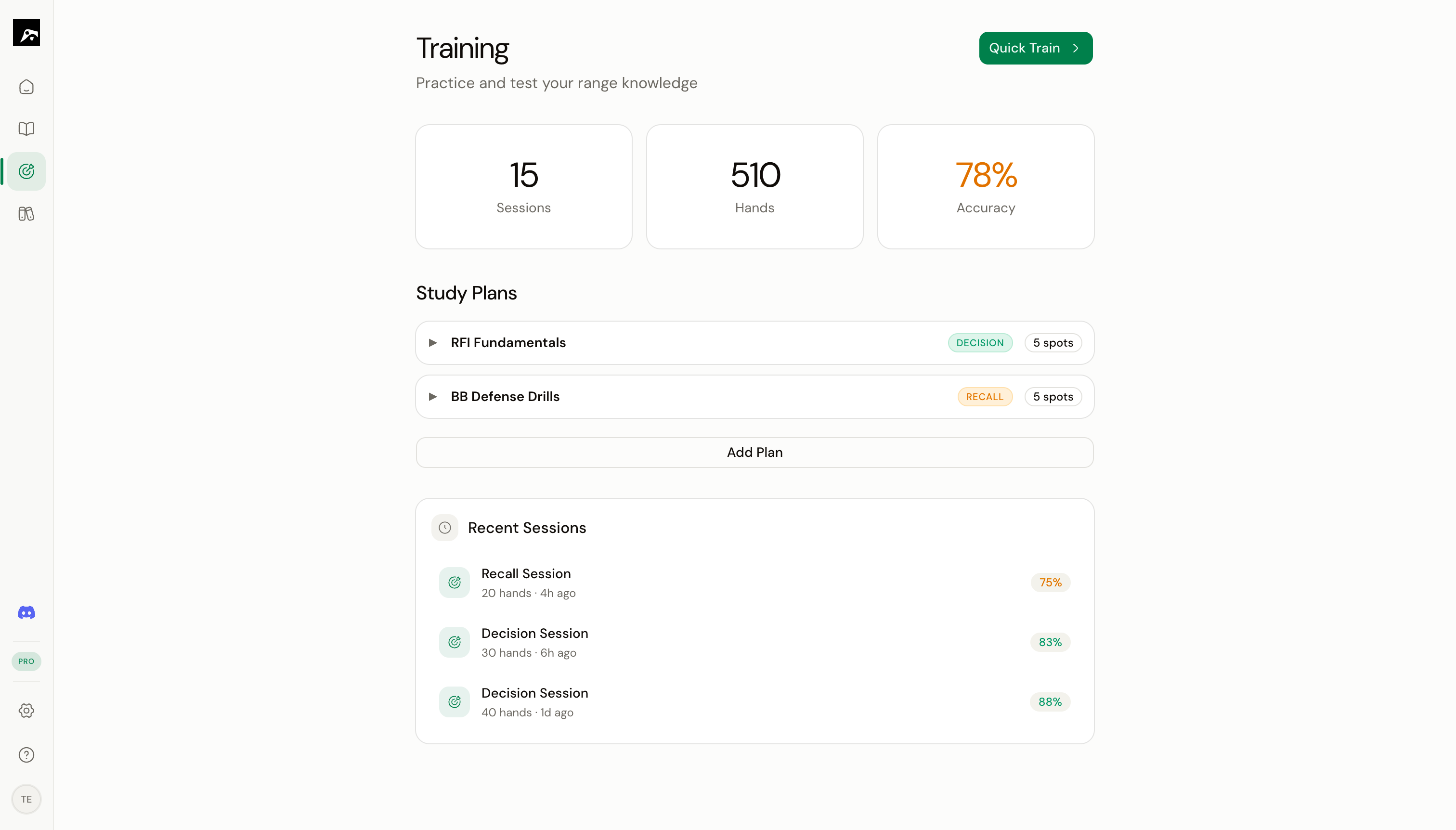
- Plan name
- Number of spots included
- Default training mode
- Your last session accuracy
Create a new study plan
1
Click New Study Plan
In the Train section, click the + button or New Study Plan.
2
Name the plan
Enter a descriptive name like “6-Max Opening Ranges” or “BB Defense vs CO”.
3
Select spots
Browse your strategies and pick the spots you want to include. You can select spots from multiple strategies.
4
Configure settings
Set defaults for:
- Training mode — Decision or Recall
- RNG enabled — Whether mixed strategies use the random number generator (Pro/Elite)
- Auto-advance — Automatically move to the next hand after answering
5
Click Save
Your study plan is ready. Click Start to begin training.
Edit a study plan
- Click on the study plan to open it.
- Click Edit to modify the name, spots, or settings.
- Add or remove spots as needed.
- Click Save to apply changes.
Reorder spots in a plan
Drag and drop spots within a study plan to change the order they appear during training.When spaced repetition is active, the system may override your custom order to prioritize spots that are due for review. Manual order applies when all spots have equal priority.
Delete a study plan
- Click the study plan to open it.
- Click Delete.
- Confirm the deletion.