
How training works
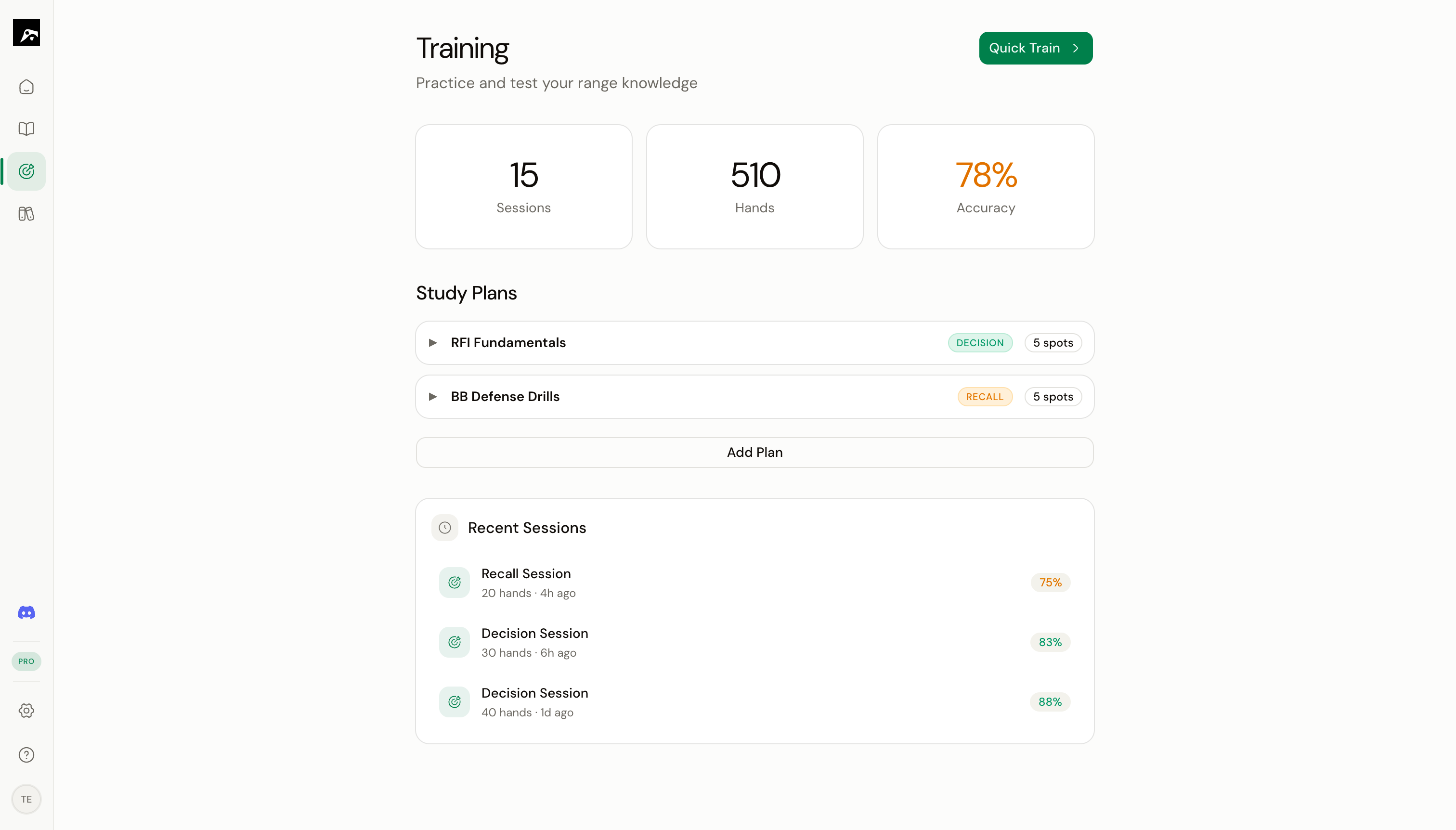
Two training modes
Most players should focus on Decision mode for daily practice and use Recall mode to verify mastery.
Two ways to start training
Quick train
Press ⌘T (or click the Train button in the toolbar) while viewing any spot in the Study workspace. This immediately starts a Decision mode session on that single spot.Study plan
Open the Train section from the nav rail, select a study plan, and click Start. This runs a session across all the spots in the plan, with spaced repetition determining which spots appear first.During a session
Every training session includes:- Hand presentation — You see a poker table with your position, the action context, and your hole cards
- Your answer — Pick the correct action or paint the range
- Feedback — Immediate right/wrong feedback with the correct answer shown
- Progress tracking — Accuracy percentage and streak count update in real time
After a session
When you end a session (press Esc or complete the plan), RangeSharp shows:- Session summary — Accuracy, hands played, EV lost, longest streak
- Mistake list — Every hand you got wrong, with the correct action
- Review option — Step through your mistakes one by one to study them
Training features at a glance
Decision mode
Deal-and-choose practice
Recall mode
Reproduce ranges from memory
Study plans
Organize spots into training plans
Spaced repetition
Optimized review scheduling
RNG for mixed strategies
Random number generator for frequency-based answers
Reviewing mistakes
Step through errors after a session
AI debrief
AI-powered analysis of your session performance