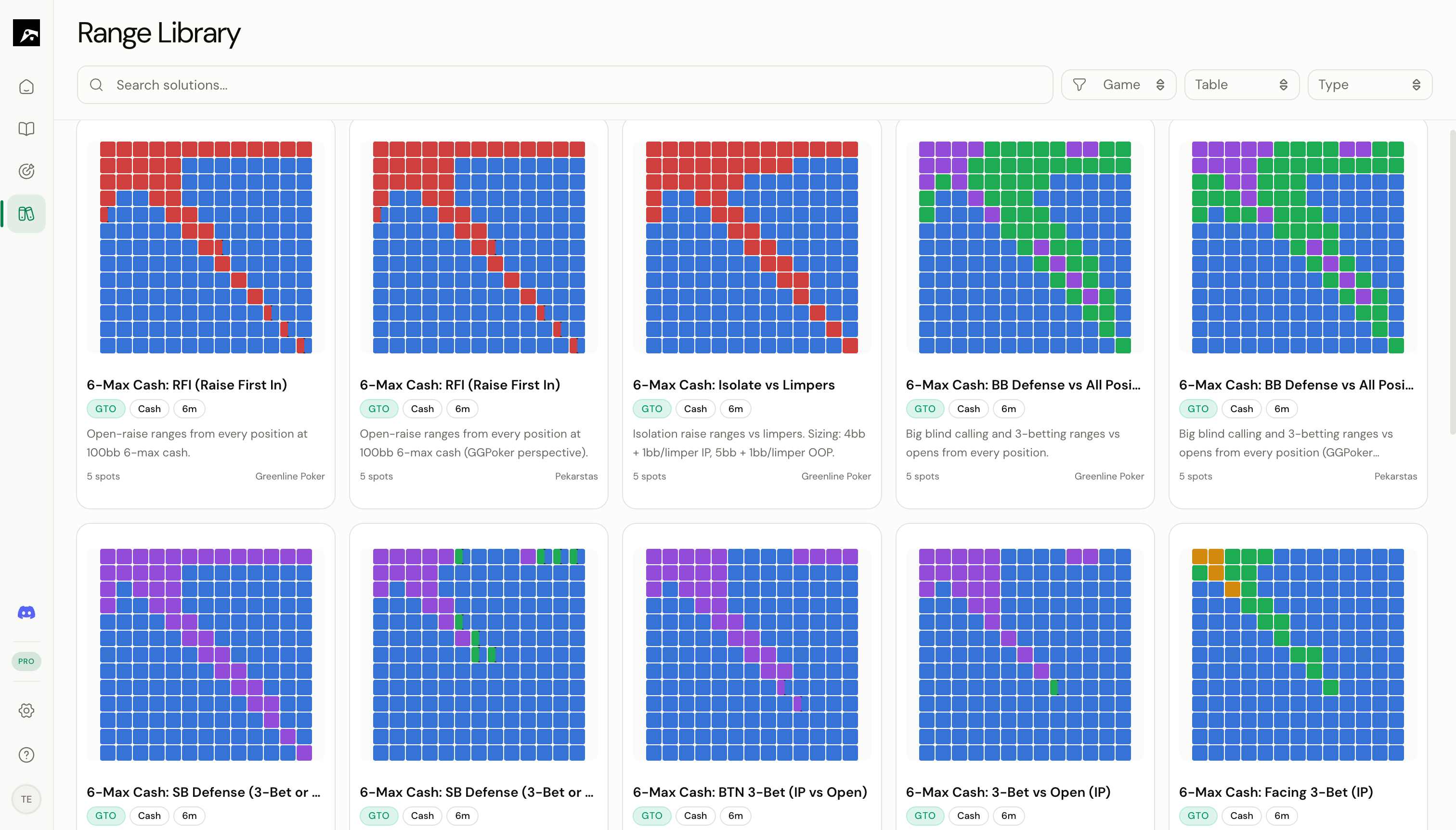
Filter the Library
The Library filter bar at the top of the page lets you narrow down the available strategies by several criteria:
Using filters
- Click on a filter dropdown in the filter bar.
- Select one or more values.
- The Library updates immediately to show only matching strategies.
Filters can be combined. For example, you can show “Cash game + 6-max + Simplified GTO” to find exactly the type of strategy you’re looking for.
Clear filters
Click Clear All in the filter bar to remove all active filters and show the full Library.
Search
Use the search bar at the top of the Library to find strategies by name or keyword. The search uses fuzzy matching, so you don’t need to type the exact name — partial matches and slight misspellings work.
Search examples
Combining search and filters
You can use search and filters together. For example:
- Set the filter to MTT game format.
- Type “push fold” in the search bar.
- The Library shows MTT push/fold strategies.
If you can’t find what you’re looking for, try clearing all filters first and using just the search bar. The strategy might be categorized differently than you expect.